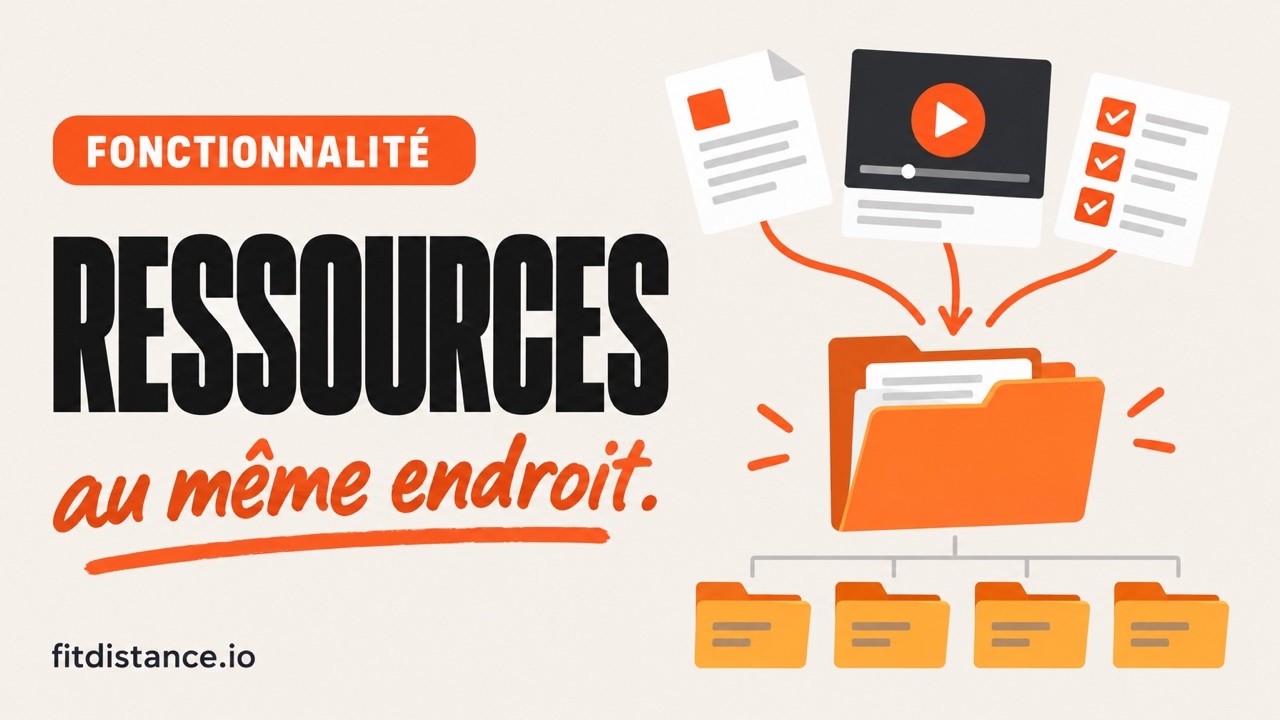
All your documents, in one place.
Guides, sheets, templates, videos: import once and share as many times as you want. Your clients find them in their app, without you resending a link by hand.
PDF, images, videos, spreadsheets, notes · share by client or by folder · 10 GB included
- Client onboarding4 items · 2.3 MB—
- Contracts & waivers9 items · 12.4 MB


 +9
+9  How my coaching worksPDF · 12 pages

 2026 rate cardXLSX · 1.5 KB—
 How to use your appYouTube video
 +4
+4
From your first guide to your client's app, in real conditions.
Stop resending the same files.
The same guide sent thirty times, the link lost in the conversation, the version from six months ago: the library fixes all three at once.
Everything in one place
Your guides, templates and videos sorted into folders, with a search that finds anything in two seconds.
Shared in two clicks
One client, or all your clients. A shared folder passes on its content, including what you add tomorrow.
In their pocket
Your clients open their documents from the app, right when they need them. No more link buried in a chat.
The right document, to the right person.
You choose who sees what, file by file or folder by folder, and you can change your mind anytime.
- By client: check off who should have access
- By folder: everything it contains follows, today and tomorrow
- To your whole list in one move, for what everyone should have
- Revoked as fast as granted: access cuts off in one click
Inherited from the “Client onboarding” folder: 9 clients already have access.
My clients
They find it without asking you.
A Documents space in their app, organized just like your library: they know where to look, you never explain twice.
- A Documents space in their app, organized just like your library
- Built-in preview: the PDF, image or video opens with no download
- New items are flagged: nothing slips through
Shared by your coach
3 documents
- Welcome to your coachingPDF · received todayNew
- How to use your appVideo · 4 min
- Practical infoNote


A shared folder is not a client space.
Google Drive stores files just fine. Giving thirty clients the right access, every week, is another story.
Permissions, one by one
On a Drive you add email addresses one at a time, then switch to “anyone with the link” to save time. Here you tick a client, or share a folder and everything inside follows.
The link you keep resending
A link dropped in a chat scrolls away. Your documents live where your client will look for them: their Documents space.
Leaving the app to read
A Drive opens a tab, sometimes asks for a Google account and offers to download. Here the PDF, image or video opens right there, in the app.
Not just PDFs.
A document, a video hosted elsewhere, a simple written instruction: everything becomes a shareable resource.
Documents
Your offer, contracts, waivers, technical sheets: the original file, exactly as you made it.
Learn moreVideos
A YouTube, Vimeo or Loom link becomes a resource, without taking up a single byte of your storage.
Learn moreOpens with nothing to download.
PDFs, images and videos have their own built-in preview, for both coach and client.
Click a format to open it in the phone.
Shared by your coach
5 documents
The rest of your coaching, in one place.
The questions we get asked most.
What files can I import?
How do I share a document with my clients?
How much storage is included?
Why not just use Google Drive?
What exactly do my clients see?
Do YouTube or Vimeo videos count toward my storage?
What happens when I delete a document?
Sort your documents once and for all.
Your first client is free, no card required. Import your guides, share them, and stop digging through your inbox for a link.
- First client freeno credit card
- 10 GB includednotes and external videos on top
- Sharing in two clicksby client or by folder