1,000+ ready-made exercises, plus your own.
Filter by muscle or equipment, drop the exercise into the session. Missing a movement? Create it with your own video: it joins your library, visible to you alone.
Free plan · 1 active client
10 exercises
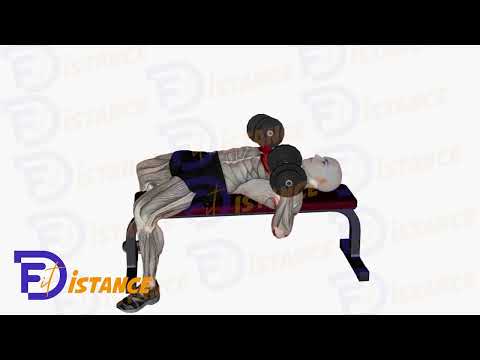 Flat Dumbbell Chest PressChest · Dumbbells
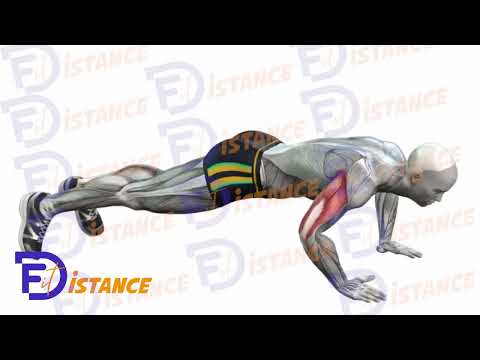 Push UpsChest · Bodyweight
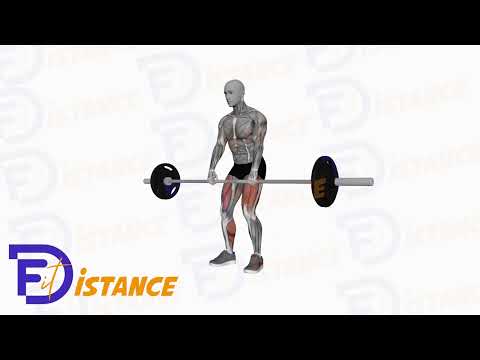 Barbell DeadliftsBack · Barbell
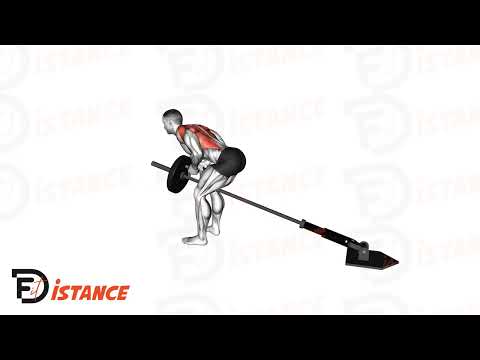 Landmine Bent Over RowBack · Barbell
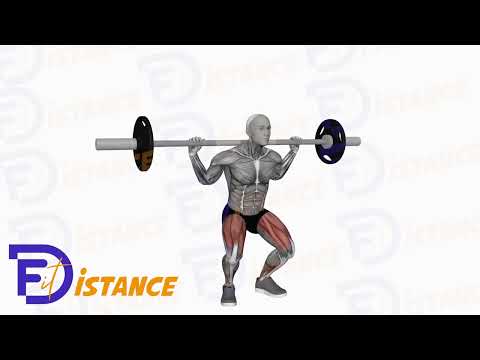 Barbell SquatLegs · Barbell
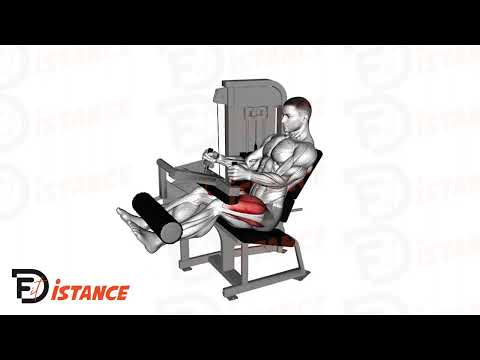 Leg ExtensionLegs · Machine
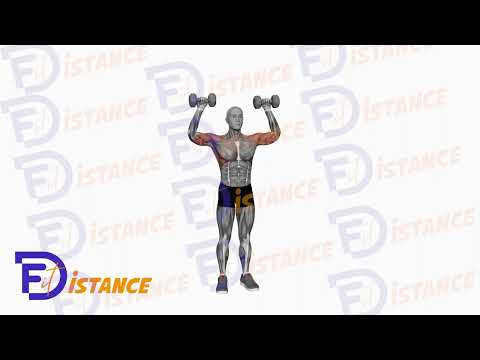 Cuban PressShoulders · Dumbbells
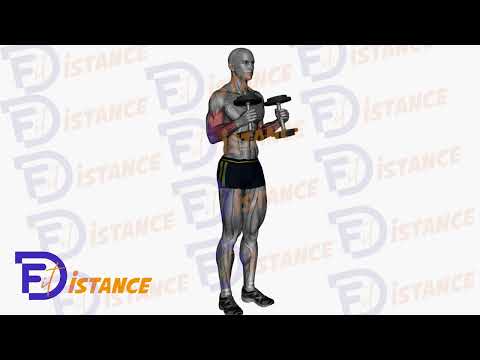 Standing Hammer CurlsArms · Dumbbells
 Standing Barbell CurlsArms · Barbell
- Strap row, bent overBack · BodyweightMine
Tick a muscle or a piece of equipment: the list follows.
From finding an exercise to your client's session, in real conditions.

The library, then yours.
A base of video exercises, filters that stick to the essentials, and room for the movements only you coach.
Muscle and equipment
Tick the muscles and the kit at hand: the list narrows as you type. Your favourites stay within reach.
Your videos, your rules
Add an exercise with a YouTube link or your own file. Kept private, it belongs to you alone.
Columns that fit
Reps, load, % of 1RM, tempo, rest, RPE, time, distance: you pick the four columns of each exercise.
The right exercise, in three clicks.
Search by name, filter by primary muscle and equipment, favourite with one tap. A counter always tells you how many exercises match.
- Grouped muscles: upper body, lower body, core. You tick, the list follows.
- Equipment: dumbbells, barbells, machines, bands, bodyweight, kettlebells, TRX…
- Favourites: a heart on the exercises you put in every session.
- Tabs: every exercise, yours, your favourites, your team's.
10 exercises
- Flat Dumbbell Chest PressChest · Dumbbells
- Push UpsChest · Bodyweight
- Barbell DeadliftsBack · Barbell
- Landmine Bent Over RowBack · Barbell
- Barbell SquatLegs · Barbell
- Leg ExtensionLegs · Machine
- Cuban PressShoulders · Dumbbells
- Standing Hammer CurlsArms · Dumbbells
- Standing Barbell CurlsArms · Barbell
- Strap row, bent overBack · BodyweightMine
Tick a muscle or a piece of equipment: the list follows.
Missing a movement? Add it.
Name, muscle, equipment, video: your exercise joins the library in a minute. Private by default: nobody else sees it.
- Your video: a YouTube link, or your .mp4 / .mov file up to 300 MB.
- Private or public: kept to yourself, or offered to all once our team reviews it.
- Editable: name, muscles, equipment, video: adjust whenever you want.
Visible to you alone, in your library.
Added to “My exercises”
Name, muscle, equipment, video. That's it.
When the exercise won't work.
Machine taken, shoulder acting up, kit left at home: your client doesn't have to message you to keep going. You plan the swap, they switch on their own.
- Stand-ins attached: every exercise in the session carries the alternatives you picked.
- Your client switches: they take the alternative from their session, without waiting for your reply.
- Or you swap: the exercise changes in the session, with its sets and its columns.
Planned by your coachFlat Dumbbell Chest PressAlternatives offered
Tap an alternative: it takes the exercise's place, nothing else to ask.
Two mechanisms: your client switches, or you swap it yourself.
An exercise never stands alone.
It joins a group, it carries your note, and it keeps every client's history.
Shared with the team
Publish an exercise to your team library: your coaches find it in their Team tab.
History per client
Every logged set feeds the history and the curves: top load, volume, estimated 1RM, reps, time, distance.
A note per exercise
Write a note on the exercise in that session: your client reads it above their sets.
From the search to the session.
The path is short: nobody ever asked you to prepare your library before programming.
Filter
Muscle, equipment, or just the name. Favourites first if you're in a hurry.
Configure
Add the exercise to the session, pick your four columns, group it into a superset or a circuit.
Assign
Your client opens the session: your video, your note, and the boxes to fill in.
It works better together.
What we're asked the most.
How many exercises are in the library?
Can I use my own videos?
Can other coaches see my exercises?
What can I filter on?
Can I share my library with my coaches?
What can I ask for on a set?
What if my client can't do the exercise?
Can I import my exercise list?
Not sure Fit'Distance has the exercise library you need?
Paste this prompt into ChatGPT, Claude or Perplexity. They'll compare the exercise libraries of coaching software.



Open the library, add your exercise.
Create your coach account, filter the library, drop an exercise into a session. Two minutes will tell you if it fits.
Your sets
Your client sees your video, your note, and fills in the sets.