Correct every movement, even from a distance.
Your clients send you their executions straight from their workout. Review every video with its training context and send personalized corrections, as if you were right next to them.
Text, voice, image or video · in-app, e-mail and push notifications
At a distance, you can't see their heels. Now you can.
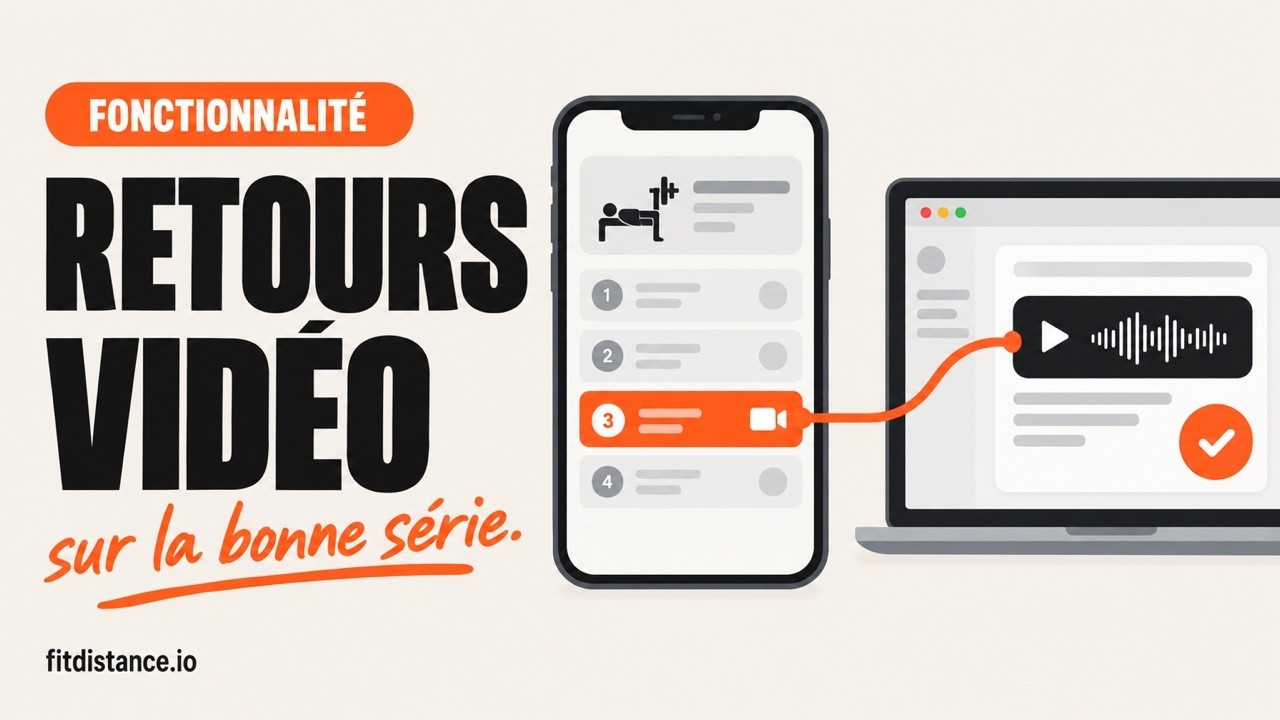
From the client's submission to your correction, in real conditions.

The closeness of in-person coaching, from a distance.
Fit'Distance gives you the information and tools to observe, correct and support every client without being physically by their side.
Every movement in its context
The video arrives with the workout, the exercise, the rep range and the set number. You can tell a technical breakdown apart from simple fatigue accumulated across sets.
Reply in the right format
In a dedicated conversation, exchange by text, voice message, image or video. Pick the format that best fits each correction and each client.
Everything centralized
A single interface separates pending requests from completed corrections. You track what's left to review, without missing anything; notifications alert you to every new request.
From the client's workout to your correction.
A simple flow, designed so the client asks for help in one gesture and you reply with full context in front of you.
The client opens an exercise
During their workout, they open the exercise they have a doubt about, then select "Video feedback".
They film or import their video
They film their movement directly, or pick a video from their gallery. They can link the submission to a specific exercise, even to a specific set.
A dedicated conversation is created
The submission opens a dedicated thread between the client and you, attached to the right workout and the right exercise.
You get notified and check the context
You receive a notification and open the video with its context: workout, exercise, rep range and set number.
You reply in the right format
Text, voice message, image or video: you send a personalized correction in the conversation.
The client receives and keeps the thread going
They are notified as soon as you reply, can ask questions and send a new execution to validate the correction.
The request moves to completed corrections
Once the correction is done, the request switches to "done": you keep a clear view of what's left to review.
One conversation, four ways to correct.
Coach and client exchange in a dedicated conversation, with the format that best fits the message.
Text
Written cues, precise and readable anytime.
Voice message
The tone and pedagogy of your voice, when writing isn't enough.
Image
A diagram or screenshot to illustrate a key position.
Video
A filmed demonstration to show the corrected movement.
A win for the coach, reassuring for the client.
One feature, two experiences designed to keep a personalized relationship despite the distance.
Coach side
Observe, correct, support
- Centralize every correction request
- Review each movement in its real context
- Pinpoint the root cause of a poor execution
- Reply with the most appropriate format
- Track completed requests and those still to review
Client side
Ask, understand, progress
- Ask the coach's opinion straight from a workout
- Film a movement or import a video from the gallery
- Link the request to an exercise or a specific set
- Receive a personalized correction and ask questions
- Be notified as soon as the coach replies
To review on one side, done on the other.
Every request lands in the same place. At a glance, you separate what awaits your review from what's already corrected; new requests as well as replies can trigger in-app, e-mail or push notifications.
Discover video feedbackThe questions we get asked the most.
How does my client send a video to correct?
What training context comes with the video?
What is a form check?
How do I correct a client's technique remotely?
Which sports is video feedback useful for?
What formats can I reply with?
How are correction requests organized?
Are my client and I notified?
Correct your clients like in person.
Your first client is free, no credit card. Every execution arrives with its context, and you reply in the format that matters.